In this unit, I have to explore different jobs in the gaming industry.
Research
My chosen role to research within the gaming industry is 3D character artist. This role involves designing and bringing to life characters in 3D, while ensuring it all looks and functions well.
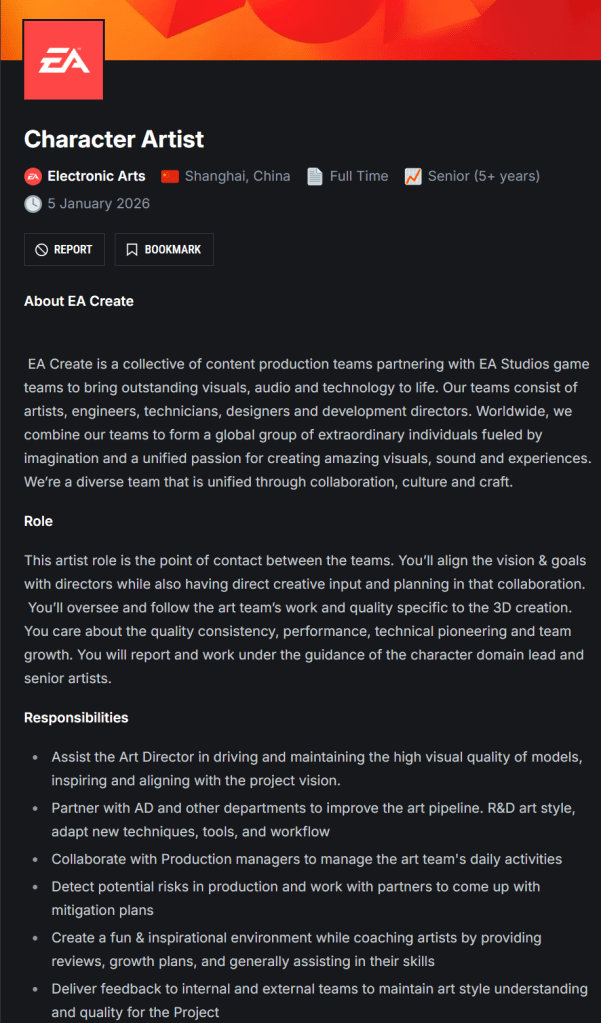
For a role similar to this, I would need good knowledge and skills on character design, 3D software, (Blender) and computer skills.
Below, I have created a mood board/mind map for my chosen role.
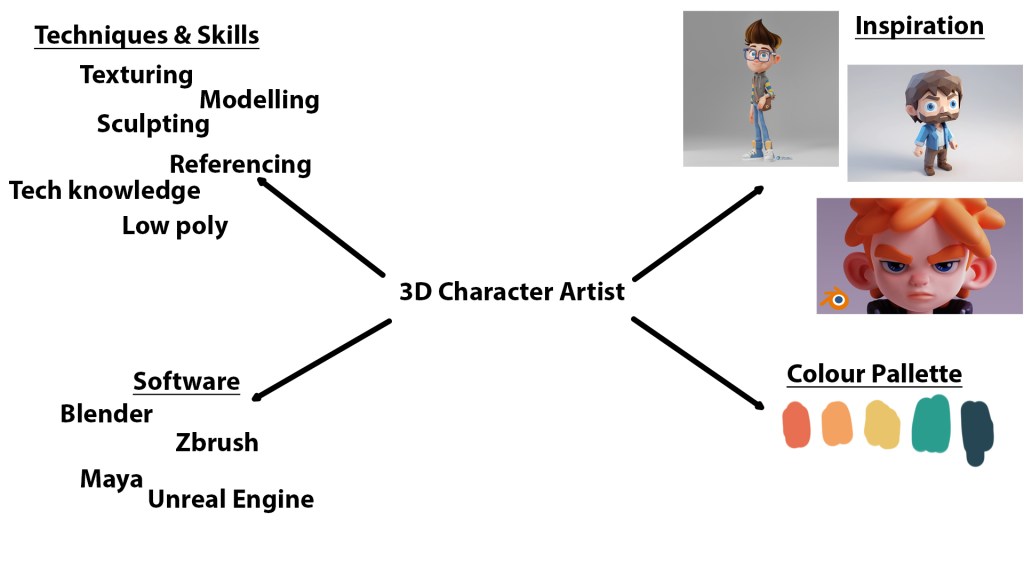
I got the colour palette from Trending Color Palettes – Coolors.
As seen above, EA is hiring for 3D character artists. This job role is very prevalent in the gaming industry. But it is very difficult to get into. As such, it is becoming increasingly more sought after.
Great 3D design is essential in any good video game, film or anything else involving 3D. Good 3D modelling or designs can be used to convey emotions or tell a story.
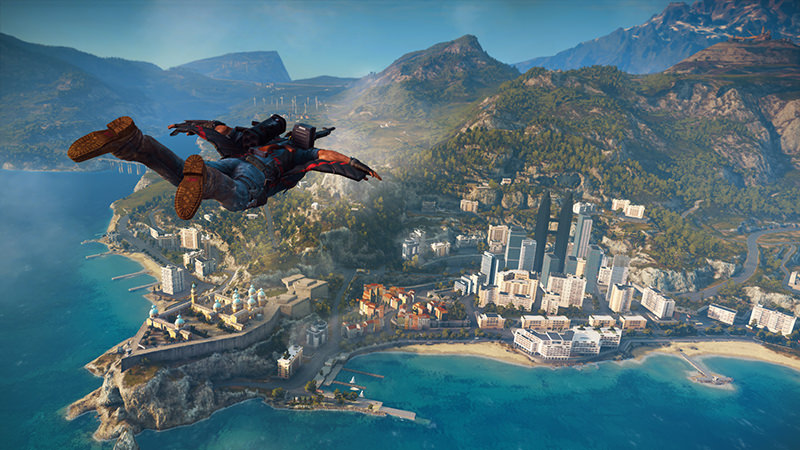
For example, take this screenshot of Just Cause 3 (2015). It clearly shows Rico gliding through the air towards a city. Presumably to cause chaos. Anyway, I think this screenshot is a good example of good 3D design. Even if it is hard to tell from the distance we are at, it looks very detailed.
In the industry, companies have high expectations of 3D artists. As such, they are expected to create highly detailed and resource-efficient models.
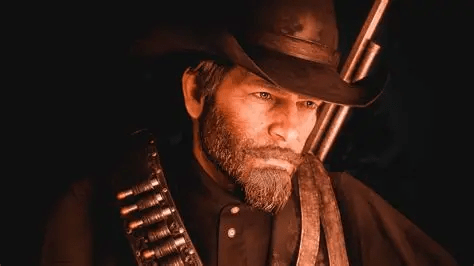
In the above screenshot from Red Dead Redemption 2 (2018), we can see a great amount of detail in Arthur’s face, despite the low quality screenshot. By the way, I love the art direction of this game. You could take a screenshot of almost any area in the game and frame it on your wall. It’s all very photogenic. I bring this up because ultimately, it relates to my goal of creating appealing-looking character or environment designs.
When it comes down to the Workflow of 3D character designers, it actually begins with the 2D/Concept artists. They work with the 3D character designers and game designers to come up with a sufficient plan of what the character will look like and how this affects various aspects. (How the character controls, the atmosphere of the game, etc.)
The 3D designers will take the 2D concepts and translate it into a 3D viewport. This process involves “blocking out” the model. This essentially boils down to sculpting a very basic version of your model. It will lack the minute details and textures at this stage. This stage works for testing gameplay mechanics and refining core concepts. This stage ensures that the model “feels” good and flows well in game.
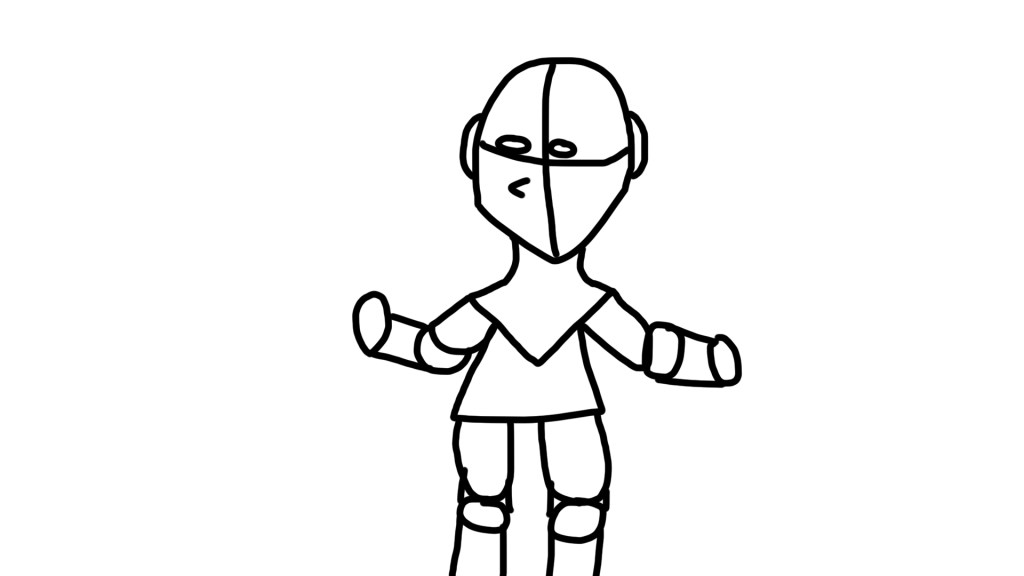
Above is a rough sketch of how a 3D block out may look.
Once the blocking out process is done, the 3D character designer will move on to the high poly sculpting phase. This is typically done using a high-polygon model in a software like Zbrush, which is a great software for sculpting. This phase is great for having an extremely detailed model – with polycounts sometimes going into the millions. This, however, is not ideal for a video game, as it would obviously make the game run very poorly, if at all.
This brings us to the next phase of production. Retopology. This phase essentially functions as the bridge between the low-poly, blocked out model and the super high-detail model. It involves creating a new mesh based on the design of the high-detail model with much less polygons. It is carefully reconstructed with uniform polygon distribution to ensure that it all works well.
The next stage is UV unwrapping. UV unwrapping involves taking the 3D model and “unwrapping” or flattening it, so you would have the net of the model in a 2D area, which is ideal for texturing. It can be difficult to explain, so here’s a basic example using Blender:
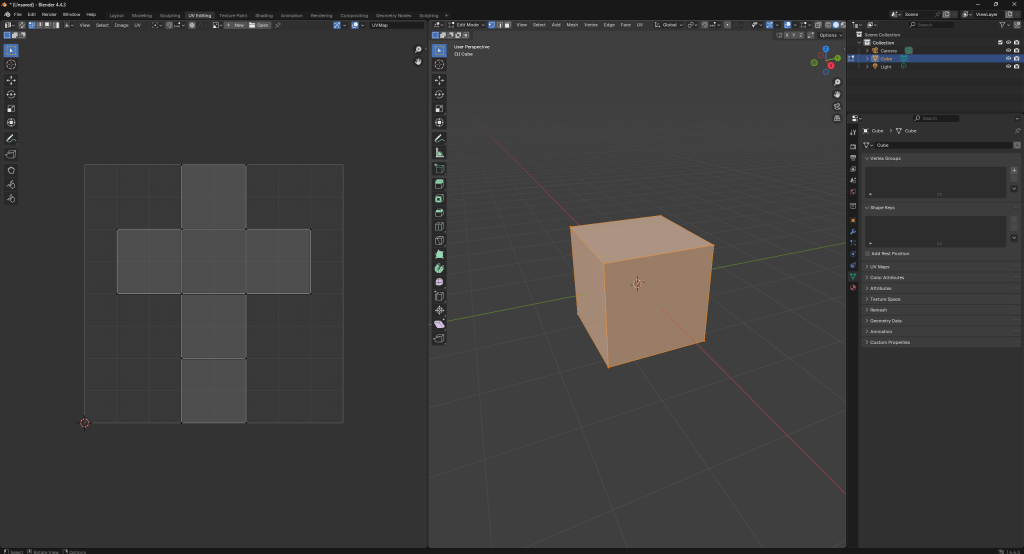
Efficient UV layouts involve minimizing visual artifacts and maximizing texture space.
This brings us to texturing, which is the next stage in production. Texturing is obviously the process of applying textures to our model, which really does bring it to life. Otherwise, it would all be a mess of colourless shapes. Anyway, this process involves creating texture maps that define the properties of the model’s surface. Some of these include base colour, albedo, normal maps, roughness, metallic and ambient occlusion. Modern standards involve using Physically Based Rendering to ensure that materials react realistically to light and surrounding areas.
The next stage is rigging. Rigging involves creating a skeleton which roughly aligns with your mesh. This skeleton dictates how your mesh moves. This allows animators to animate the character with relative ease.
Also involved with the process of rigging is skinning, or vertex painting. This process, to put it simply, involves “painting” areas of the mesh to dictate how much influence the rig has over it. In order to be believable to the player or viewer, this process must be meticulously done in order to prevent pinching or tearing.
Additionally, there is the constant process of optimisation. This involves ensuring that the 3D model adheres to the limitations of game engines, hardware, polygon budgets, etc.
Last in the process is LoD (Level of detail). This essentially boils down to having lower quality models or assets depending on how far away the player is from the camera, so as to improve or optimise performance with little visual reduction. For example, if you’ve ever played an old N64 game upscaled, you may notice this a fair amount. Here is a good example of this technique being used in Super Mario 64:
Even in post production, there is still plenty of work to be done. The 3D character artist will continue to receive feedback from various departments. Animators, level designers, lighting artists, QA testers and others will often provide feedback. This involves iterating and revisions on the 3D model.
This ties into identifying any technical issues, potentially including, but not limited to; mesh collision problems, visual glitches or performance bottlenecks.
There is also the matter of DLC/post-launch updates, if applicable.
There are many different available software when it comes down to 3D modelling. Some are more niche and have specific use cases, whereas others are more general-use.
Autodesk is a global leader in 3D design. Maya and 3DS Max are industry standard. Maya is good for intricate rigging and sophisticated animation workflows. 3DS Max is known for its great modelling capabilities, making it popular for detailed environments, vehicles and the such.
Blender is a free and open source 3D modelling software. I’ve heard people say it is a jack of all trades but a master of none. Despite this, its lower barrier of entry makes it a popular option for beginners. And, considering it’s completely free, it’s more than capable and sufficient for a lot of use cases, to the point that we’re beginning to see feature-length animations created entirely using Blender. Most notably, Flow (2024) is an extremely well-animated film. At first glance, one would never have guessed it was created entirely using a free, open source software. There is also the up and coming Singularity. The big downside of Blender for professional companies is the lack of official support. For example, if someone is having an issue with 3DS Max or Maya, they can contact Autodesk directly for help, whereas Blender does not have this.
You also have tools like ZBrush, which is good for character sculpting. Houdini, which is good for VFX and so on. These are generally more professional than Blender, although Blender is still a good option for hobbyists.
I would also like to give a quick mention to Marvelous Designer, which is specially designed for clothing.
Unfortunately, 3D character artist is not an entry-level position. There also tends to be very few openings available for this position, as it is usually less than or around a few thousand.
This leads to the position being taken up mostly by those who have a good amount of experience in the industry or have very strong artistic and technical skills.
There are studios dedicated to 3D character design, such as K9 Digital, (3D CHARACTER ART | CREATURES | ANIMALS | K9 Digital) who have helped out on the Silent Hill 2 remake, Rainbow Six Siege and F1 23, among other notable projects.
Here are a few interesting-looking portfolios:
– 3D Character Artist – Portfolio
– James Ku – CG Character Artist
Planning
For my practical portfolio piece, I want to create my own 3D character.
I will be creating a low poly 3D model of a human-like character using Blender. I chose this because it relates to my chosen industry role, as it is a 3D character.
I am going to act as if I am creating this model for an upcoming game which is being developed by a small indie team. As such, I want it to be as good as I can possibly make it.
What I want my model to include:
– Rigging
– Good topology
– Good-looking textures
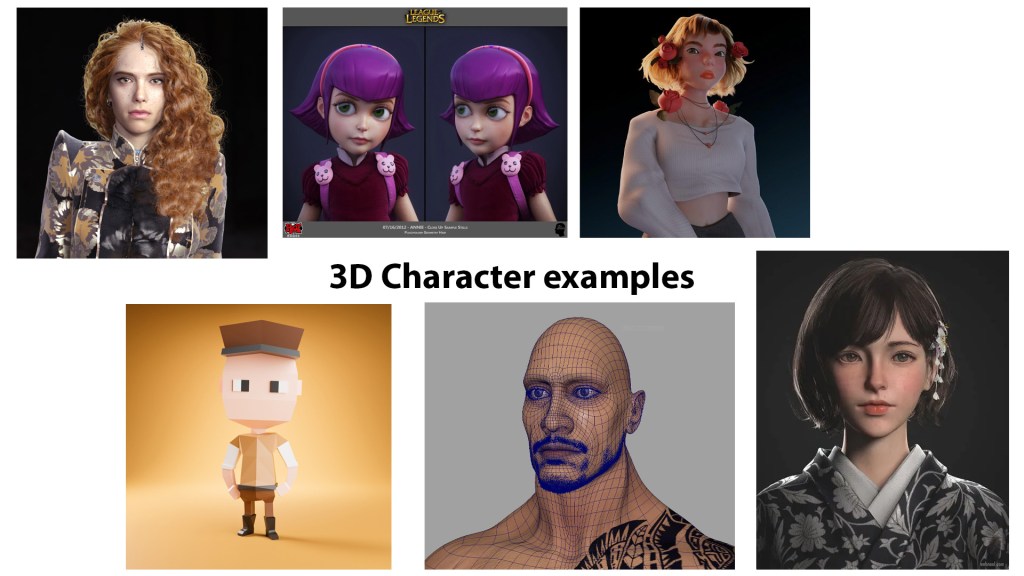
I really like these examples as they are well put together and inspire me to create my own 3D models and scenes.
Below is an old render I did a couple of months back, which can be used for inspiration.
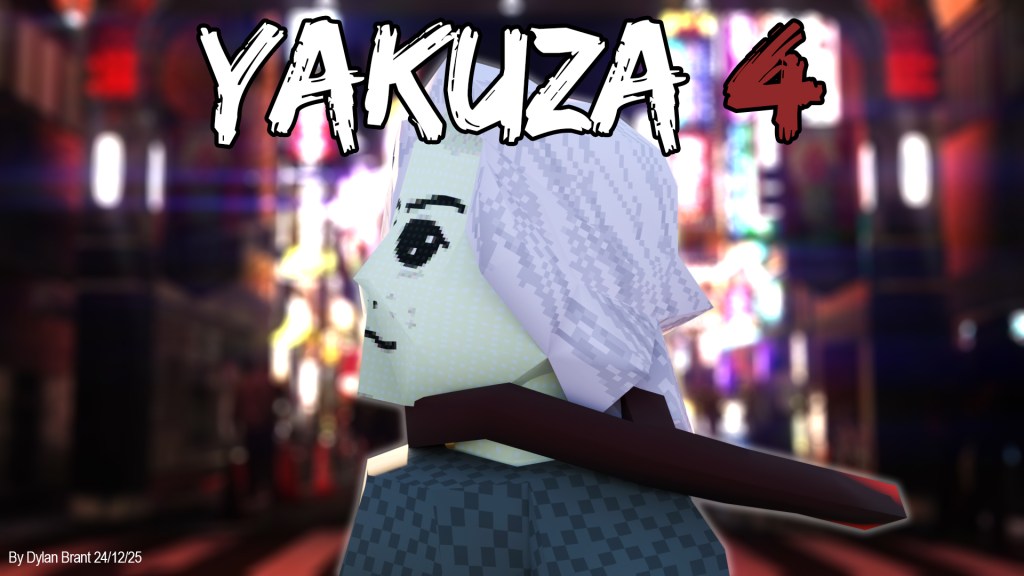
Practical production
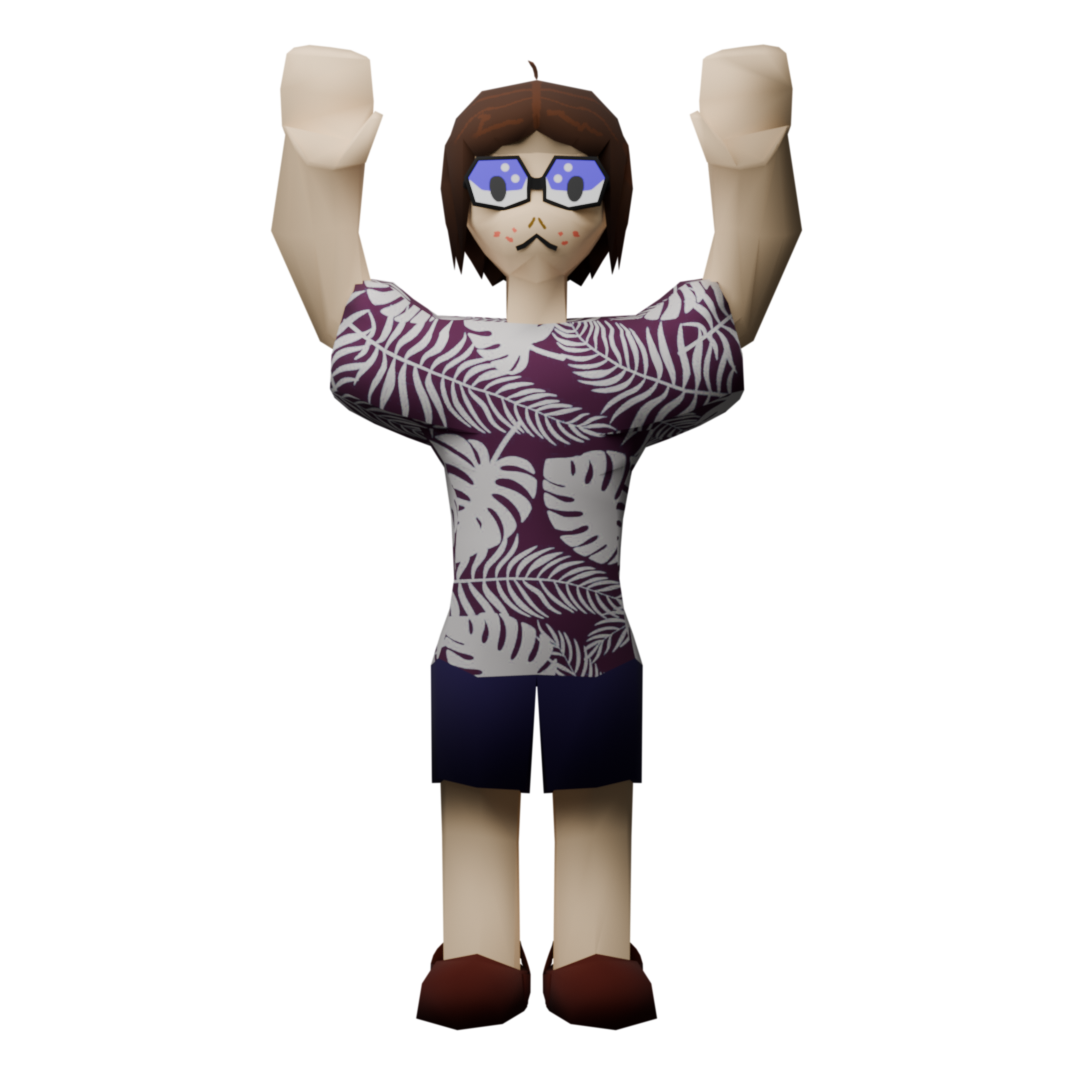
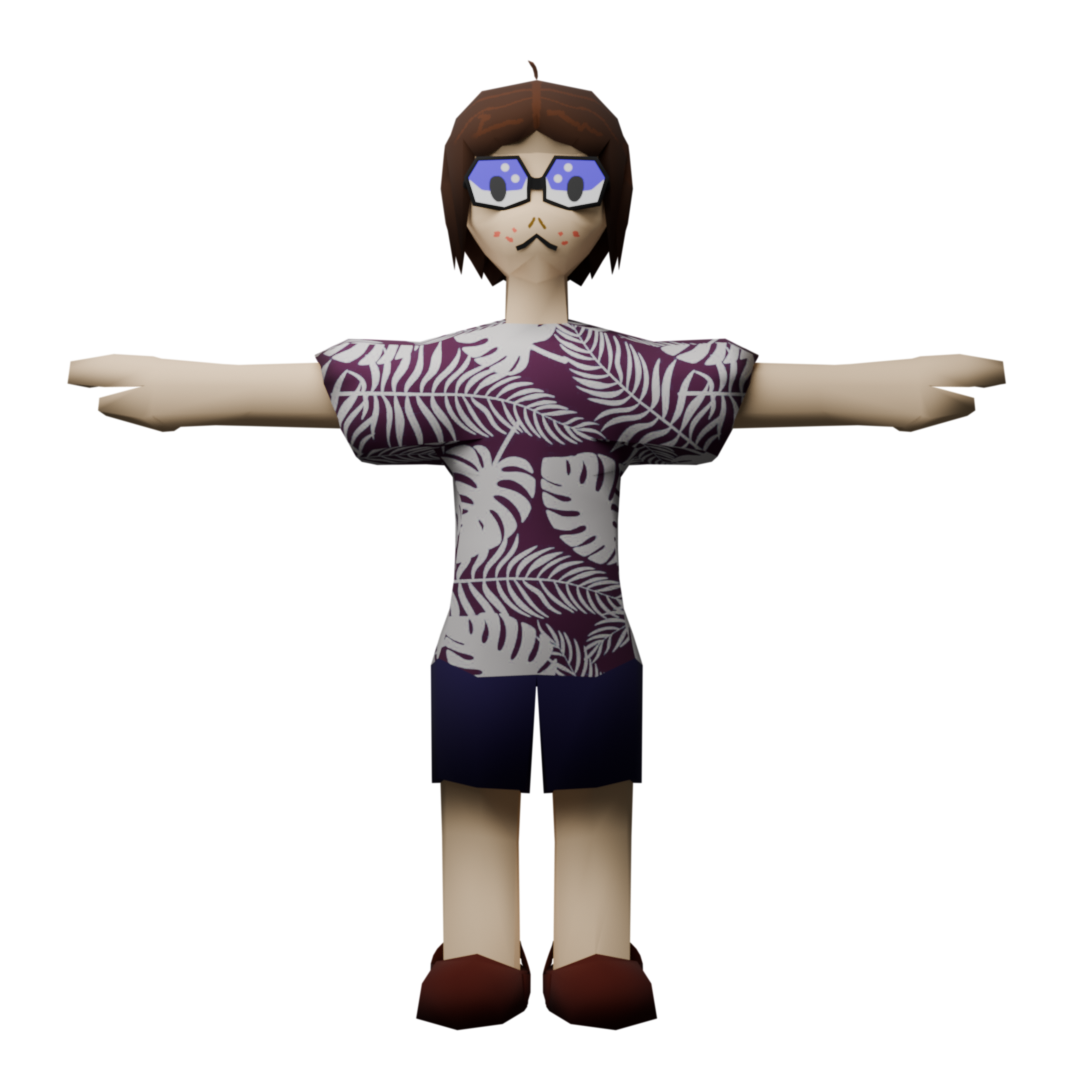
Above are some final renders for my 3D character. The final model turned out okay, but the rigging and textures were a bit dodgy, which led to a slightly uncanny-looking model. Overall, it is not too bad, in my opinion.
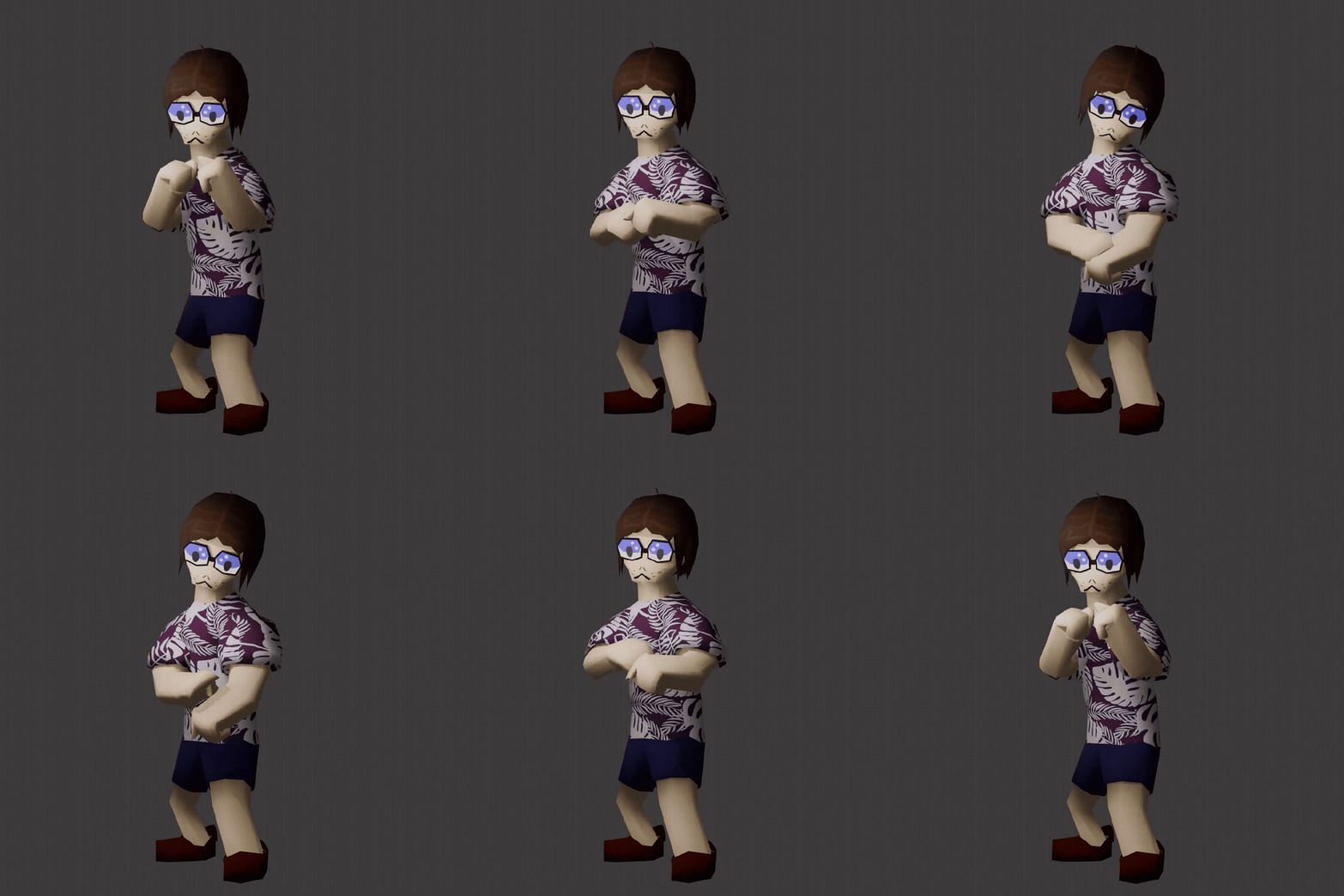
I downloaded a custom animation from Mixamo, as seen above. As Mixamo gives users the option for it to do the rigging for them, it looks slightly better than when I did it manually.
In terms of my time management, I created this model over the course of a few days. I spent at least an hour on it each day over this period.
Reflection
W/C 12/01/26
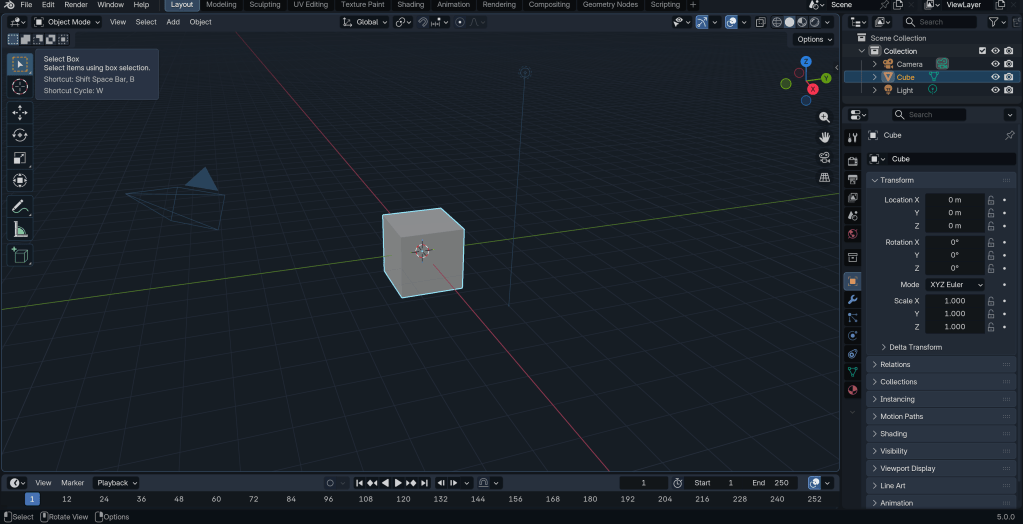
Beginning to work on the head.
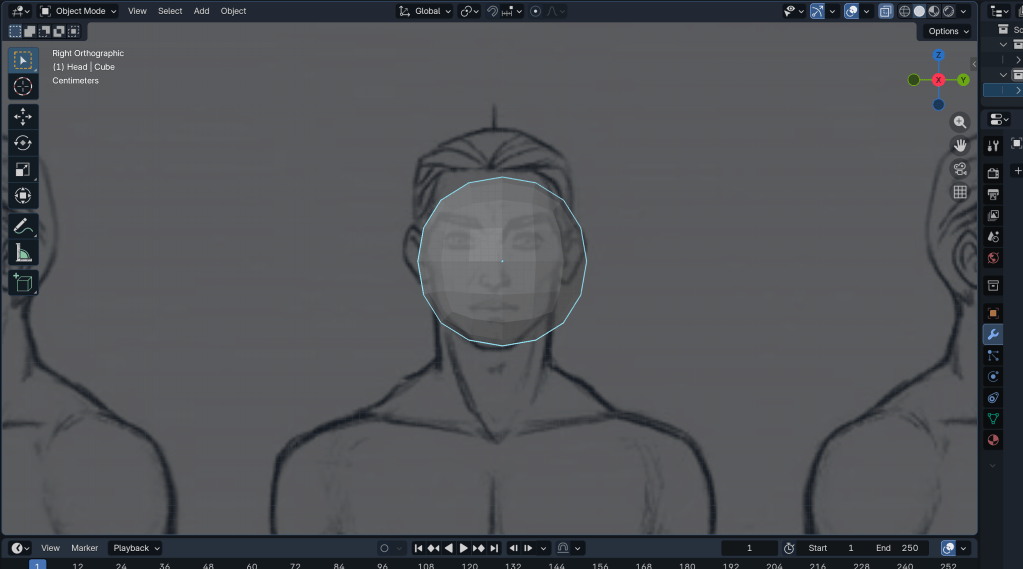
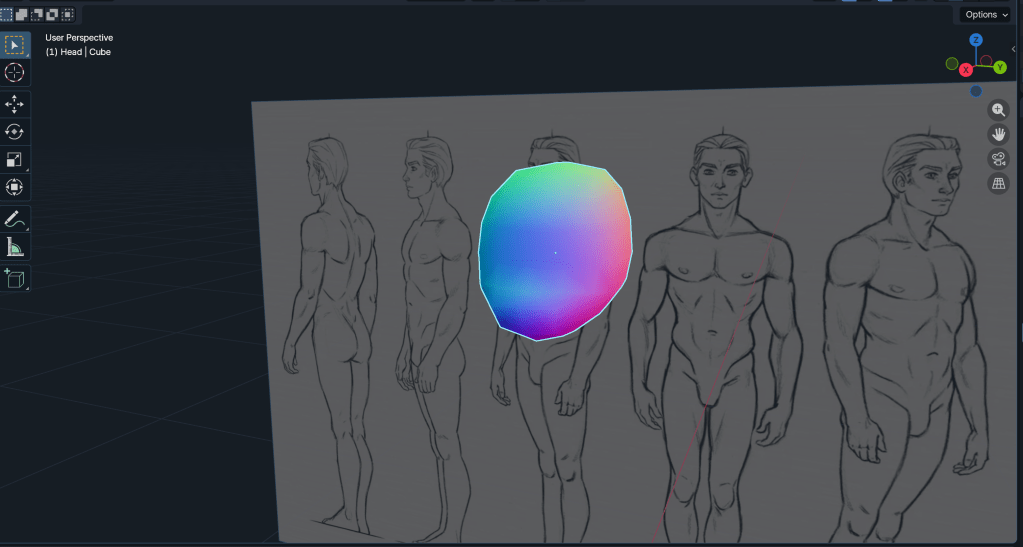
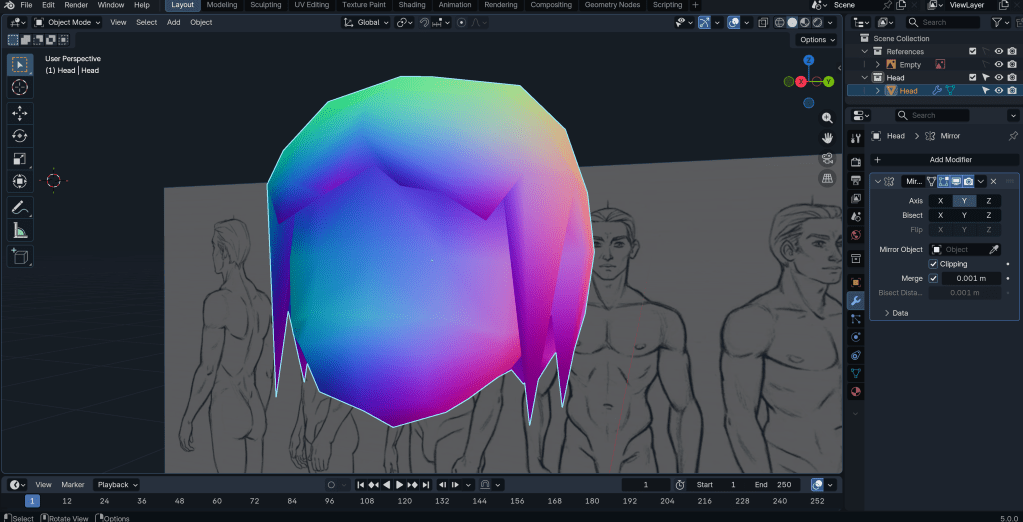
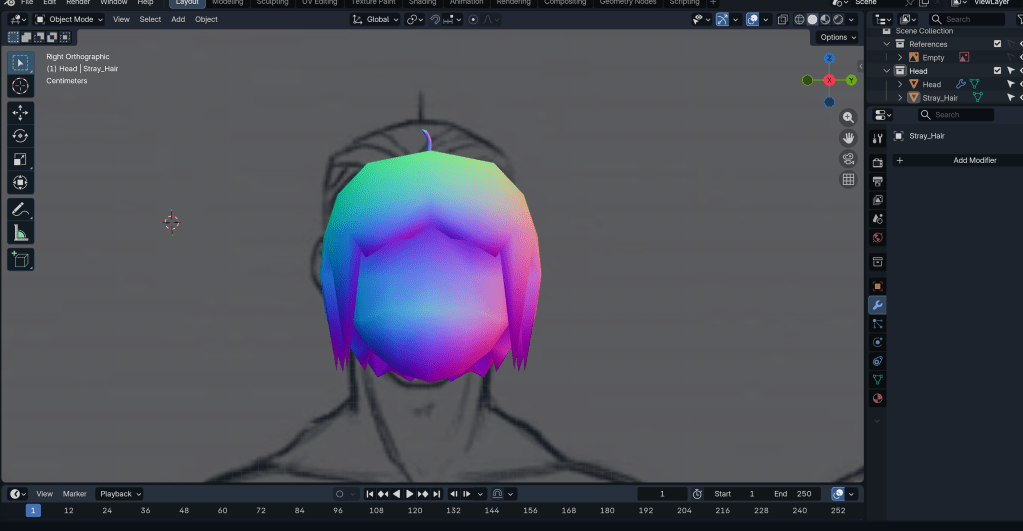
Modelling the hair.
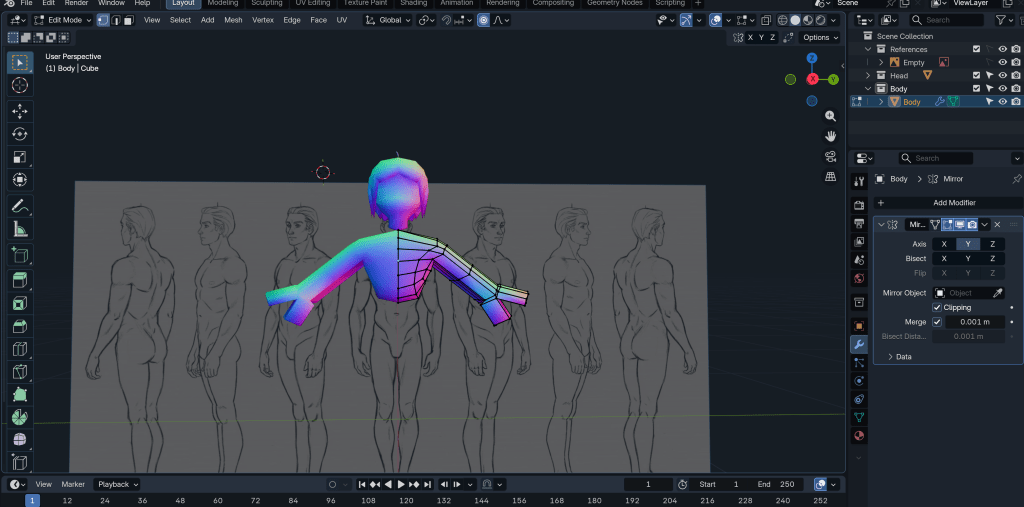
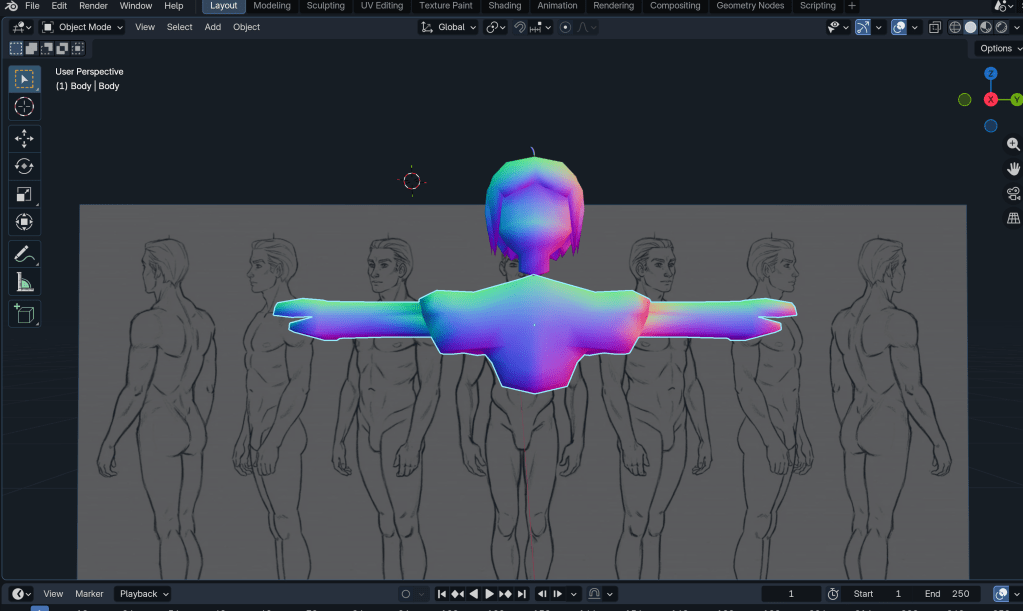
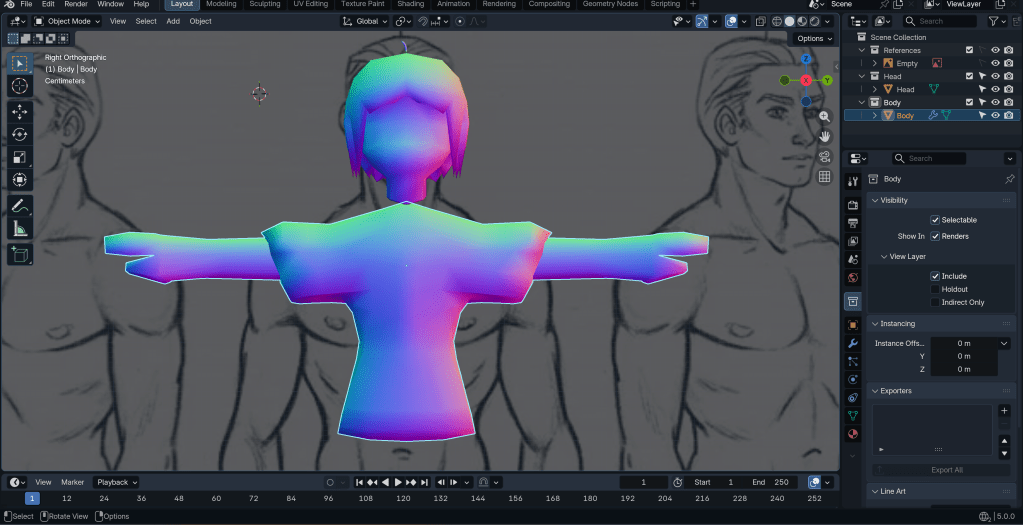
Modelling the body.
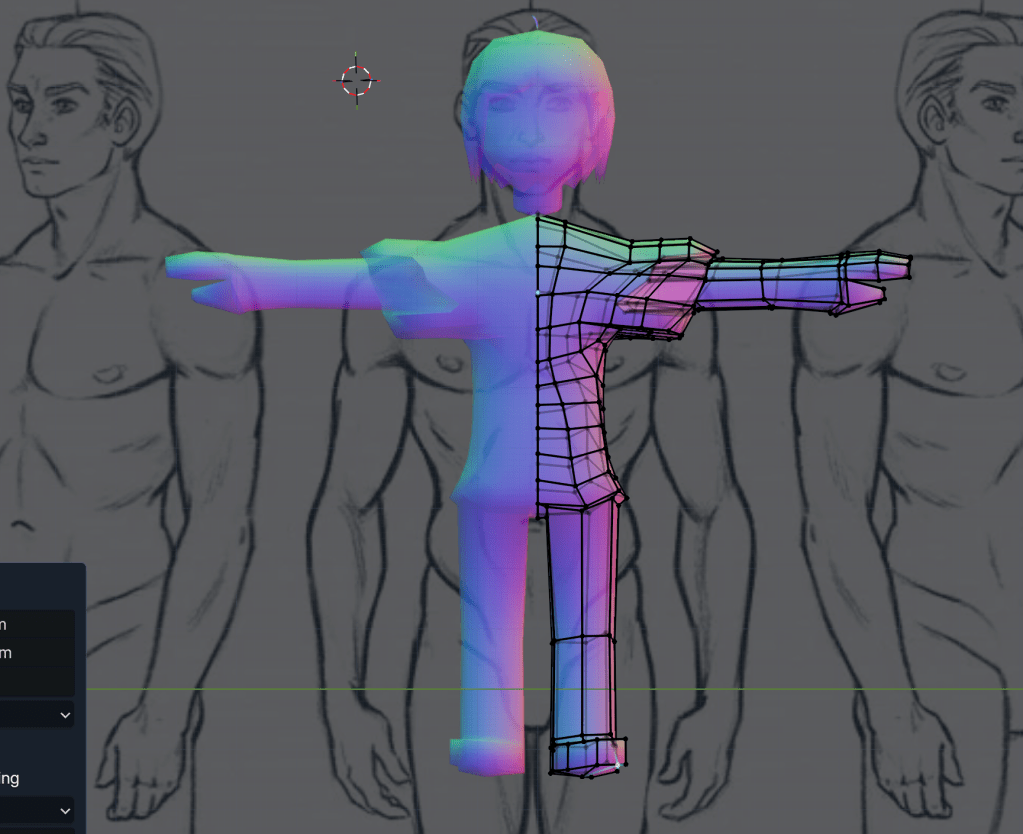
Working on the legs.
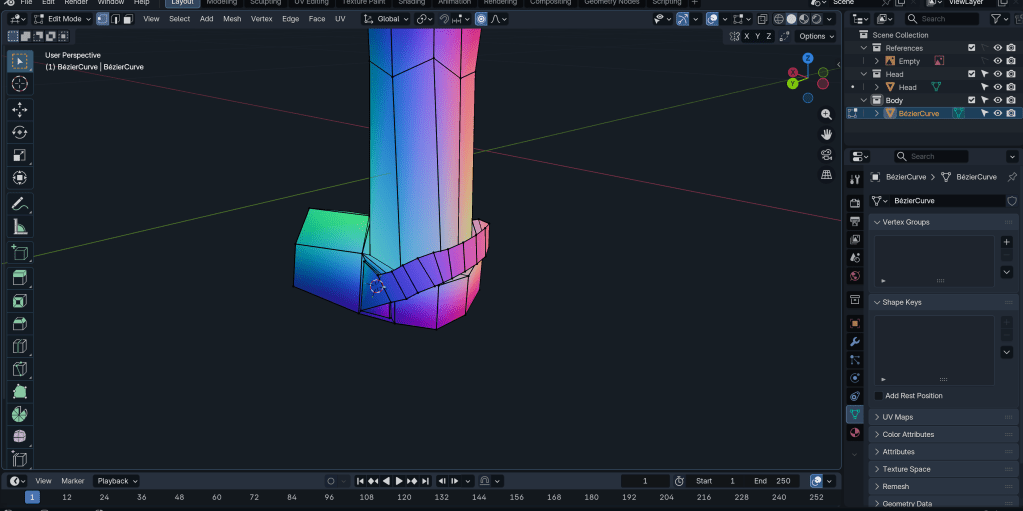
Adding detail to the shoes.
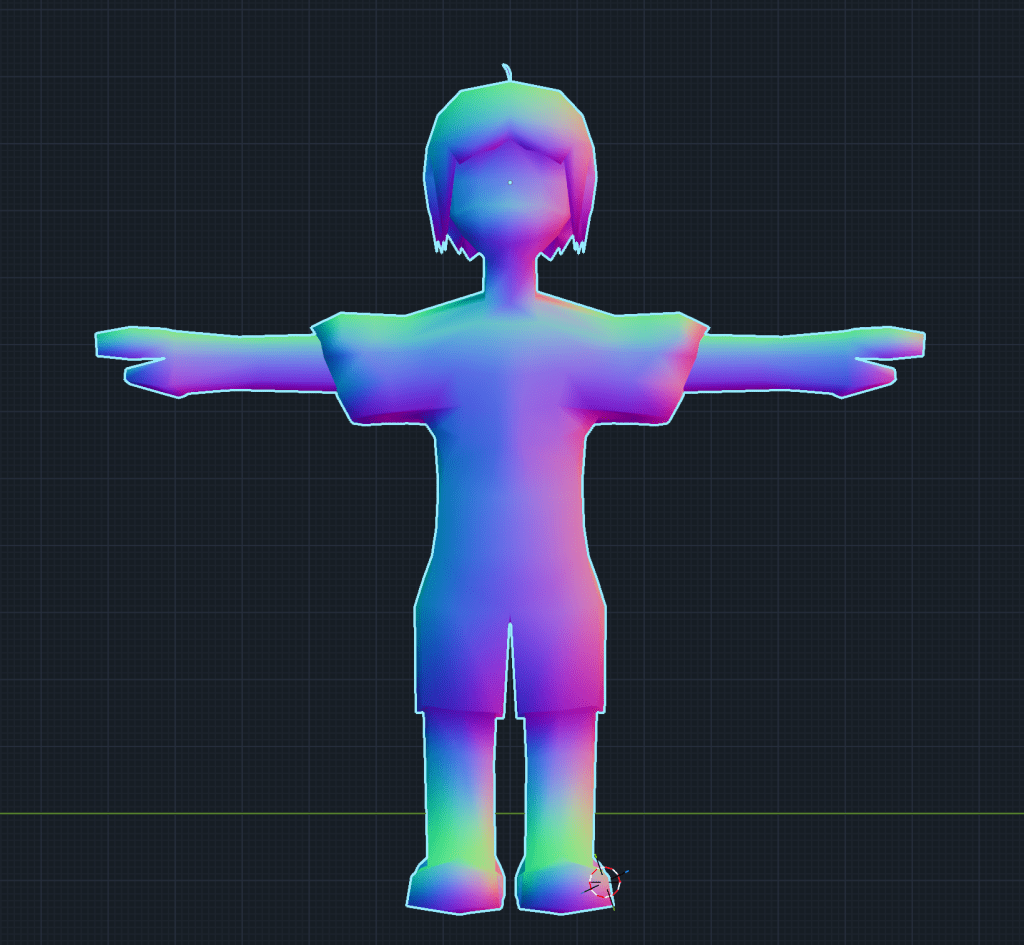
After merging the neck to the body, the base mesh is more or less done. Next, I want to try texturing.
W/C 19/01/26
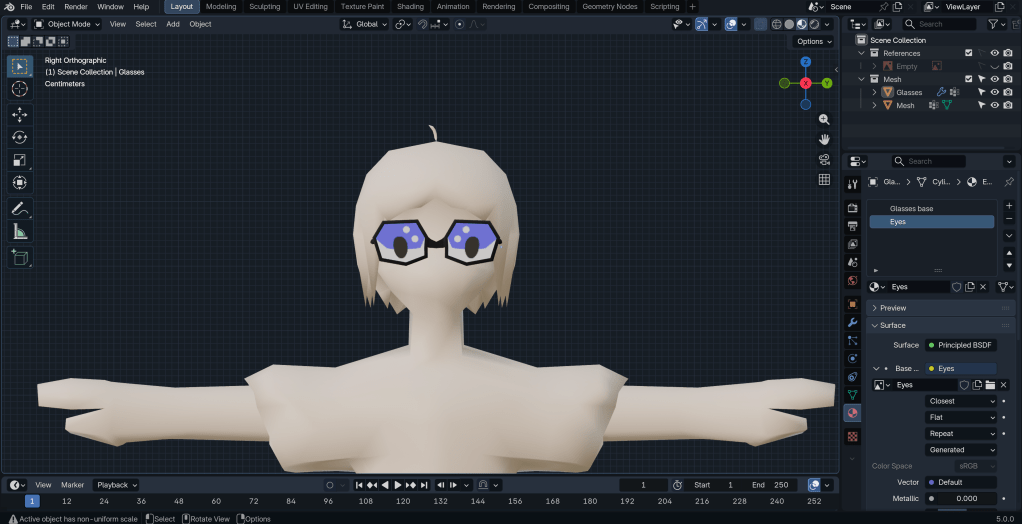
Beginning to work on the texturing. I also added some glasses, as I thought it would help the eyes to stand out.
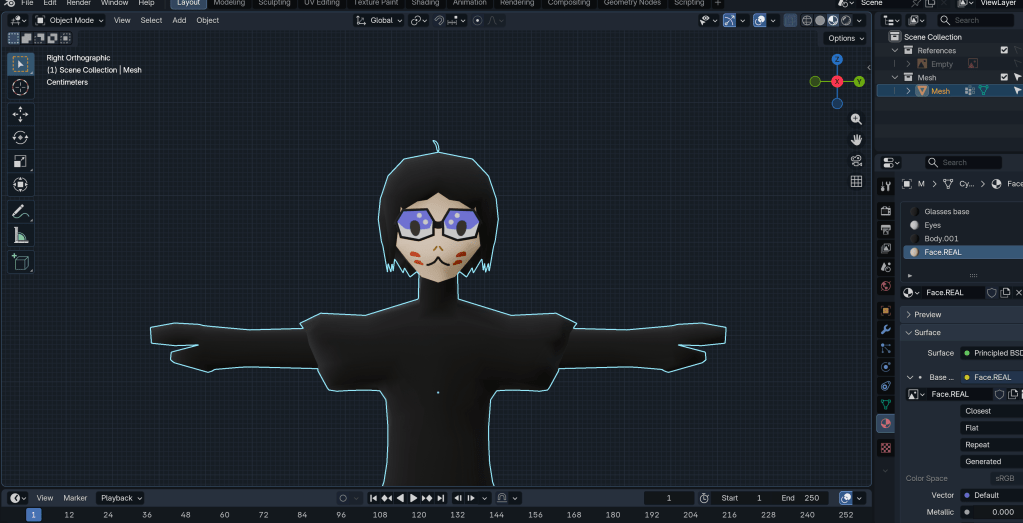
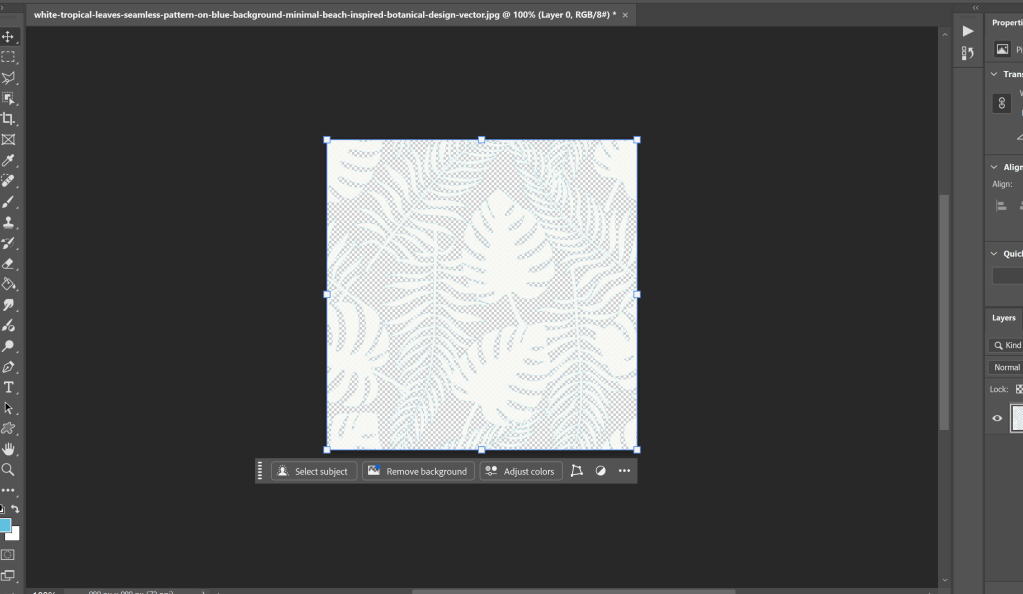
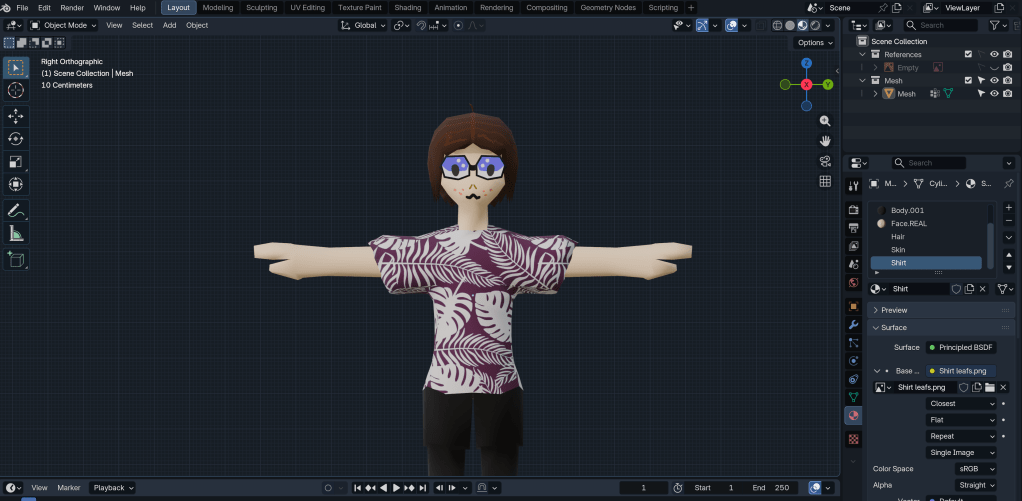
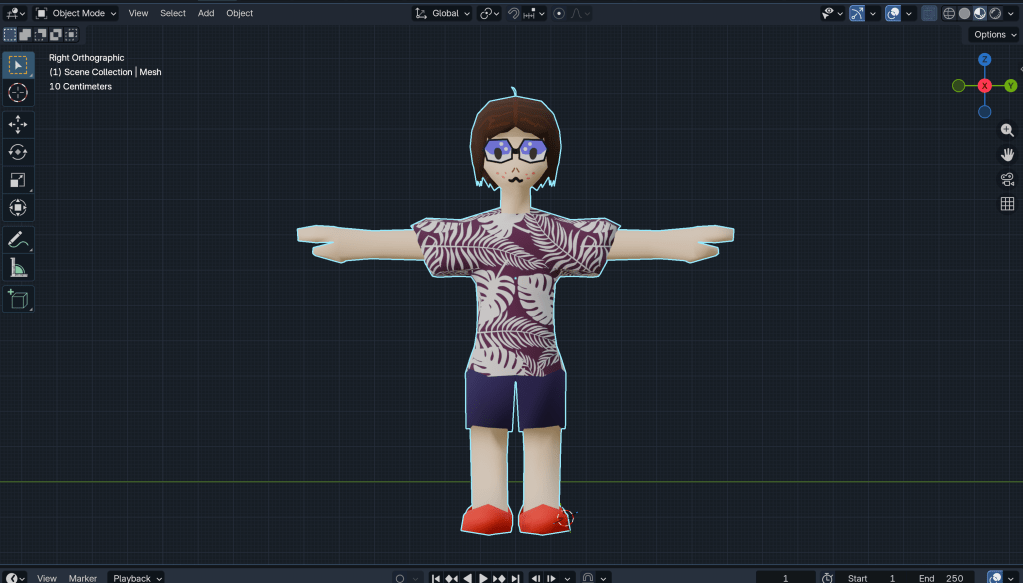
Now I am done with texturing for the most part.
W/C 26/01/26

After some thinking and messing around, I decided to change the mouth to be a physical part of the mesh, as opposed to a texture.
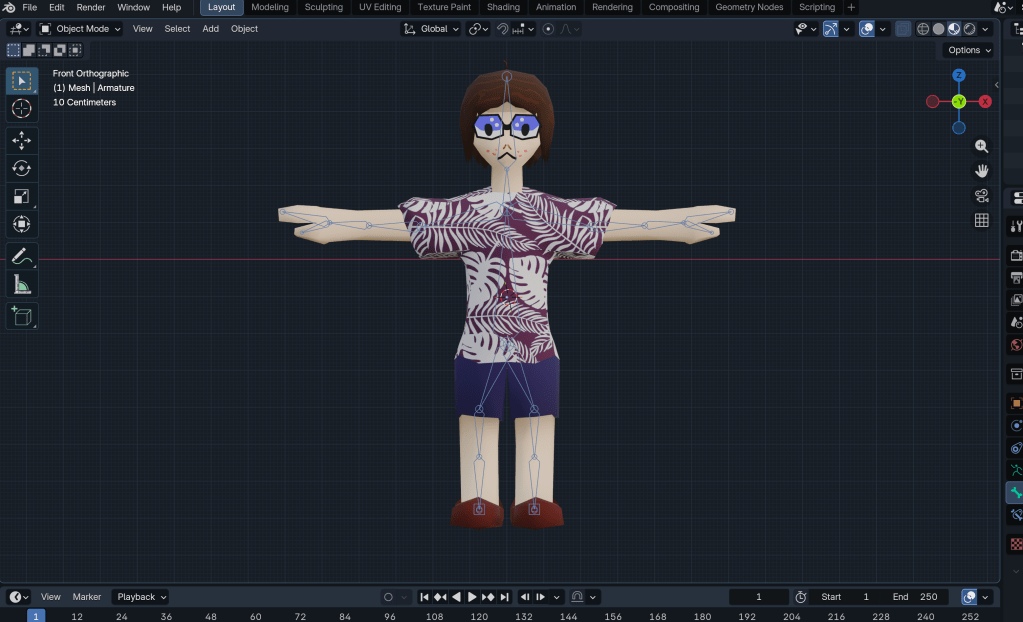
After merging loose parts of the mesh, (which was causing an issue with automatic parenting with the rig) I have a semi-functional rig.
Throughout this project, I learned a few of the ins and outs of 3D character design, although I obviously still have some work to do in honing these skills.
Obviously, my way of designing a 3D character model differs greatly from a professional in the industry. While they would have the processes of blocking out, rendering the higher-detailed model, playtesting, etc, I essentially stopped after the blocking out phase as I do not yet have the tools or knowledge to go any further, although I would like to try at some point.
Overall, I have gained a lot of respect for 3D character designers. This is because, judging from my experience, it is no small task to design even a single character. That character should ideally stick out in the player’s mind, fit their personality (if applicable), feel good during gameplay and much more that I didn’t cover here.
Reference list
Akhil (2025). The Role of 3D Modeling for Game Industry. [online] Outsource 3D Modelling. Available at: https://www.outsource3dmodeling.com/blog/the-role-of-3d-modeling-for-game-industry/ [Accessed 15 Jan. 2026].
CLIMB (2025). How to Become a Character Artist: The Full Roadmap. [online] CLIMB. Available at: https://climbtheladder.com/how-to-become-a-character-artist-the-full-roadmap/ [Accessed 29 Jan. 2026].
Gilmore, A. (2025). A Beginner’s Guide to Becoming a 3D Artist in 2025. [online] RenderHub. Available at: https://www.renderhub.com/blog/a-beginner-s-guide-to-becoming-a-3d-artist-in-2025 [Accessed 29 Jan. 2026].
Goodarzi, A. (2024). Who Is a 3D Character Artist? Responsibilities & Skills. [online] Pixune. Available at: https://pixune.com/blog/who-is-a-3d-character-artist/ [Accessed 15 Jan. 2026].
K9 Digital (2024). K9digital. [online] K9digital. Available at: https://www.k9digital.co.uk/ [Accessed 29 Jan. 2026].
Sanden, H. (2023). Ultimate Guide to Becoming a 3D Character Artist – FlippedNormals. [online] Flipped Normals. Available at: https://blog.flippednormals.com/becoming-a-character-artist-ultimate-guide/ [Accessed 29 Jan. 2026].
ScreenSkills (2024). 3D modelling artist in the games industry. [online] ScreenSkills. Available at: https://www.screenskills.com/job-profiles/browse/games/art/3d-modelling-artist/ [Accessed 15 Jan. 2026].
Spectrum, C.G. (n.d.). 3D Character Artist Job Description, Salary, Skills & Software. [online] http://www.cgspectrum.com. Available at: https://www.cgspectrum.com/career-pathways/character-artist [Accessed 15 Jan. 2026].
techneeds_conent_team (2025). What Are 3D Character Artist Jobs? A Comprehensive Overview of Roles and Responsibilities. [online] Techneeds. Available at: https://www.techneeds.com/2025/02/04/what-are-3-d-character-artist-jobs-a-comprehensive-overview-of-roles-and-responsibilities/ [Accessed 15 Jan. 2026].
Wikipedia (2020). Houdini (software). [online] Wikipedia. Available at: https://en.wikipedia.org/wiki/Houdini_(software) [Accessed 29 Jan. 2026].
 Dylan Brant